
ACT Junior Rugby Union
The home of Junior Rugby in the ACT and Southern NSW. Celebrating 80 years of Junior Rugby Union in 2024.
Play Rugby Union
Learn more about the ACT Junior Rugby Union and its competitions for players and participants aged Under 7s to Under 18s throughout the ACT and the wider south coast & Monaro regions.
How To Register



Need help signing up for an account?
If you are signing up for the first time in Rugby Xplorer, follow the steps in this help article on the Rugby Australia website
Registered before, but need help logging in?
Download the Rugby Xplorer app or visit the website https://myaccount.rugbyxplorer.com.au/. Enter your email address and password, plus verification code.
Note, users have the ability for Rugby Xplorer to “remember me for 30 days”.
If you have forgotten your password, click ‘reset password’. Check your email inbox/junk/spam folder for a link, then reset your password.
If you receive “There has been an error” message please note, some government and business networks block Rugby Xplorer. We suggest using a device not connected to the that network/firewall, and complete on a device with an alternate internet provider or via your phone using your cellular data.
We also recommend you contact your IT department and ask them to mark Rugby Xplorer as a safe domain and add it to their whitelist.
Need more help with Rugby Xplorer?

Ticket flyer
Latest News




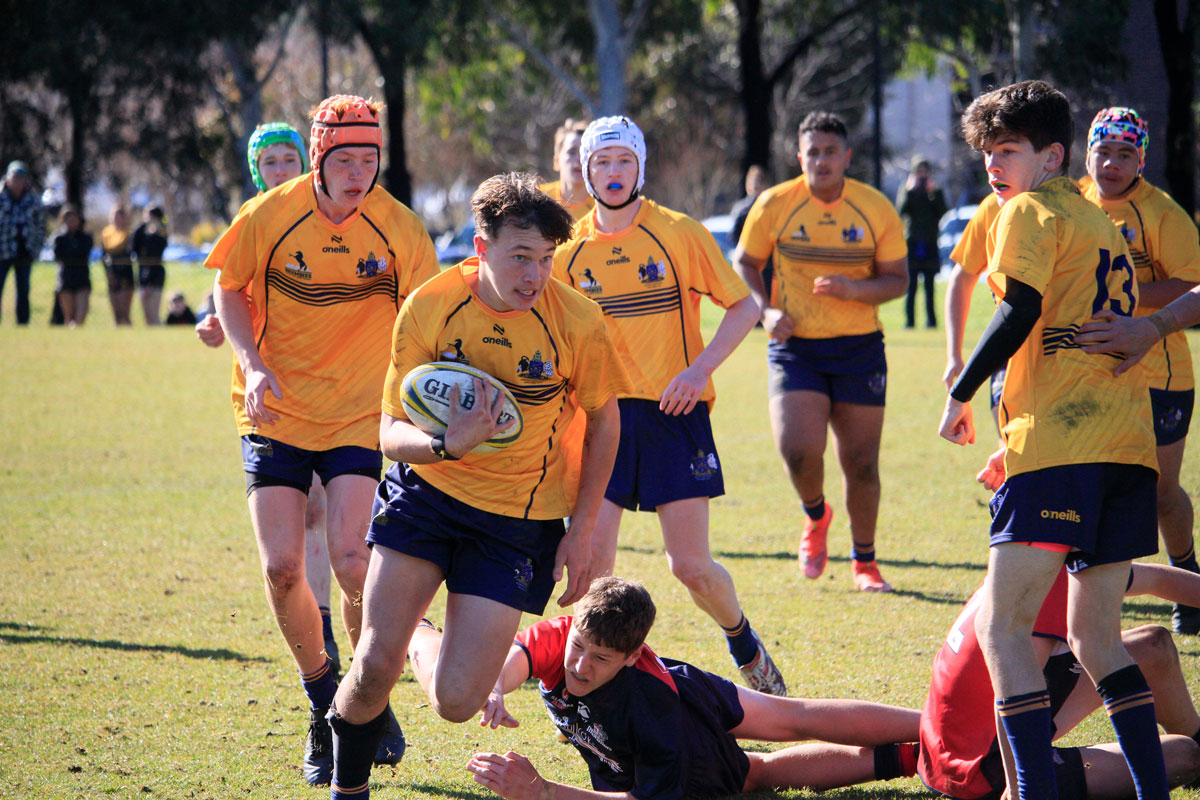
Representative Rugby
ACTJRU players wishing to trial for for an ACTJRU Representative Team must submit a trial registration form prior to attending any trial. ALL players must be financially registered with their Club or School to participate in the trial.
About Us
Fostering Junior Rugby Since 1945
The ACT Junior Rugby Union strives to provide a safe and enjoyable environment for the development and promotion of Junior Rugby as well as affording Players an opportunity to value the game, develop their skills and achieve representative honours. The ACTJRU and Brumbies Rugby are committed to promoting and strengthening a positive image of Rugby and its participants in Canberra and its surrounds.
Clubs & Schools
Players
Teams
Years Established
Our Sponsors